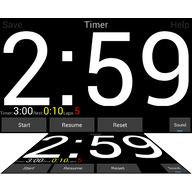
 Sports Timer
Features
Sports Timer is built around one idea: the timer should follow the training, not the other way round. Everything below is in the free app.
Building a workout
Five block types
A workout is a list of blocks. Each block has a type, a value and a name.
0:10 is ten seconds, 11:0 is eleven minutes.xx:00 waits for the next whole minute, 00:00 for the next whole hour, 15:00 for quarter past.Laps inside laps
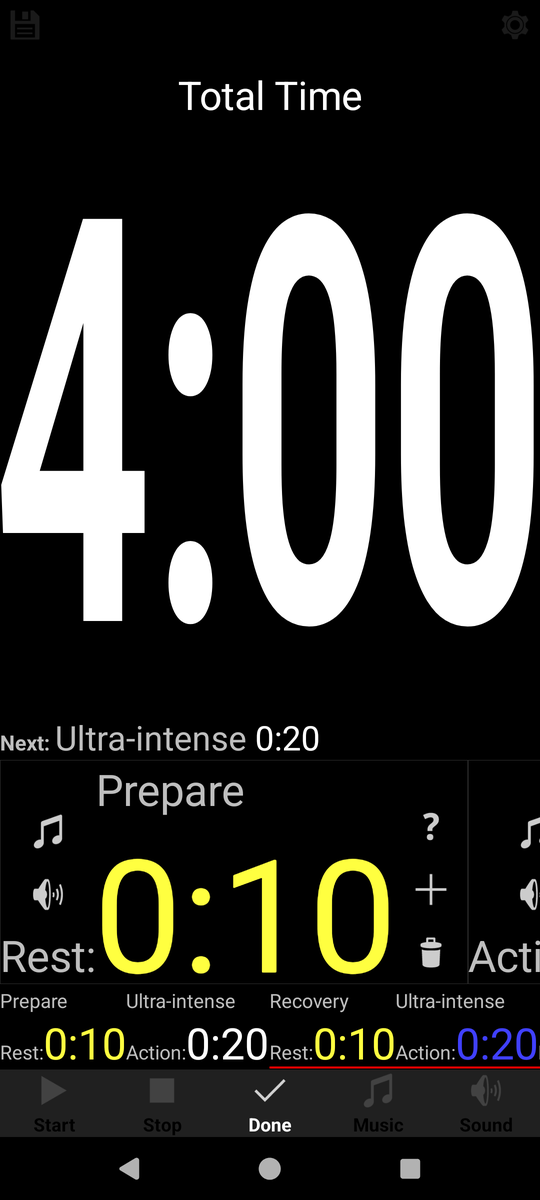
A laps block repeats the blocks that sit under its red line, and the red line can be moved with the arrow buttons to take in more or fewer blocks. Because a laps block can sit inside the group of another laps block, you can express things like "four rounds of (six sprints with rest), with three minutes between rounds" without writing every interval out by hand.
Names per block
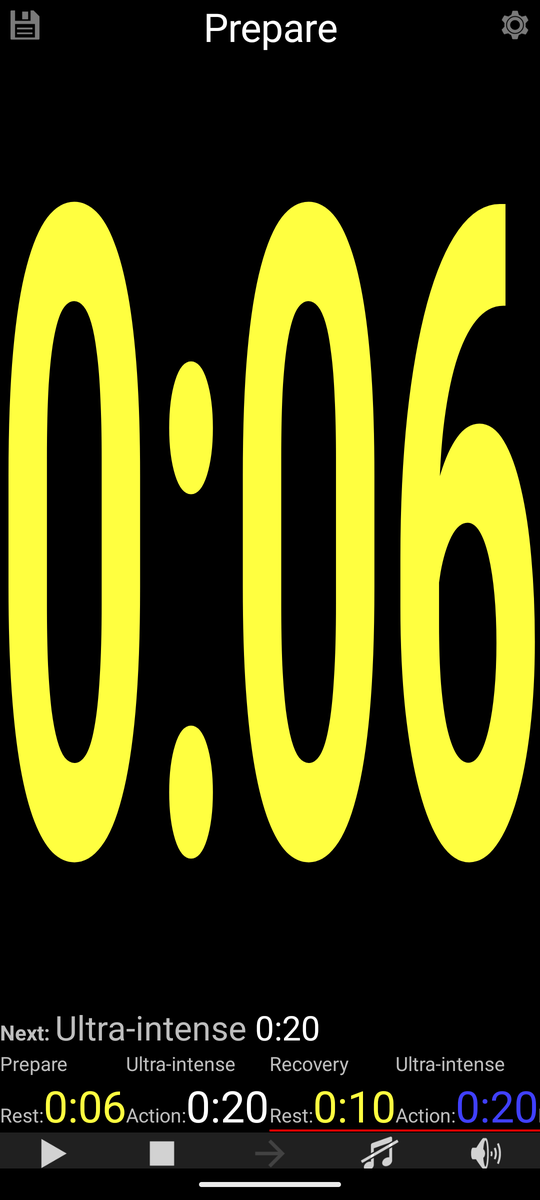
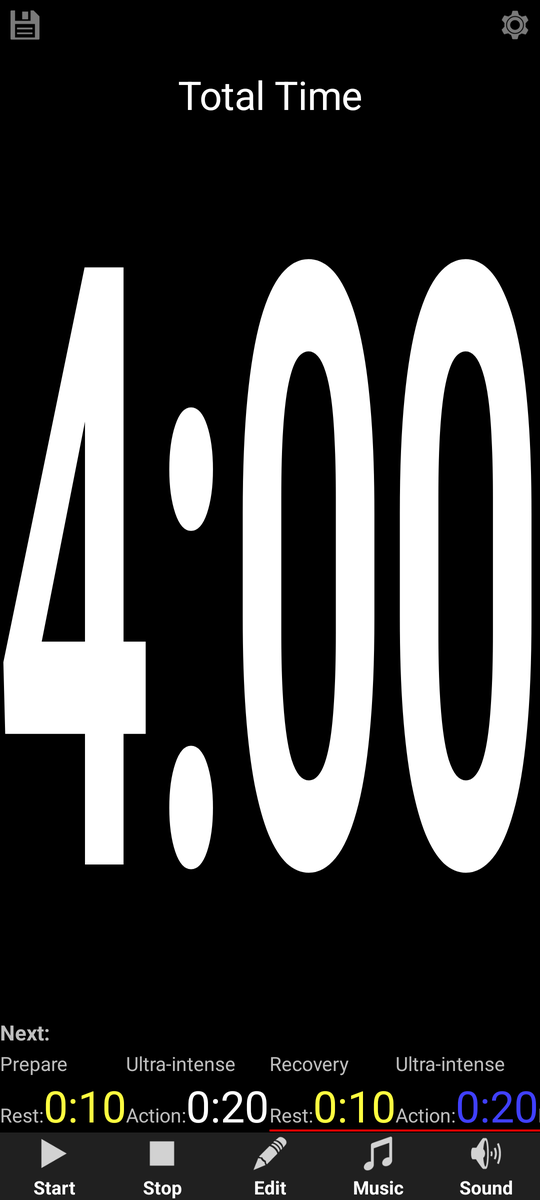
Every block can carry a name, so the screen says Ultra-intense or Prepare instead of a bare number. The main screen shows the name of the block that is running and the ones that come next.
Running a workout
| Control | What it does |
|---|---|
| Start | Starts the sequence. |
| Stop | Pauses a running sequence. |
| Resume | Picks up where you paused. |
| Skip | Ends the current block and jumps to the next one. |
| Edit | Opens the sequence for editing. |
| Music | Turns the music on or off while counting down. |
| Sound | Turns the beeps on or off. |
| Short tap on the screen | Start, or resume when paused. Handy with sweaty hands or gloves. |
| Long press on the screen | Resets the sequence to the beginning. |
A display you can read across the room
The time fills the whole screen, which is the point: put a 10-inch tablet in landscape at the edge of the mat and a group can follow it from about twenty meters. Rest blocks are shown in a different colour from action blocks, so nobody has to read the words to know what is happening.
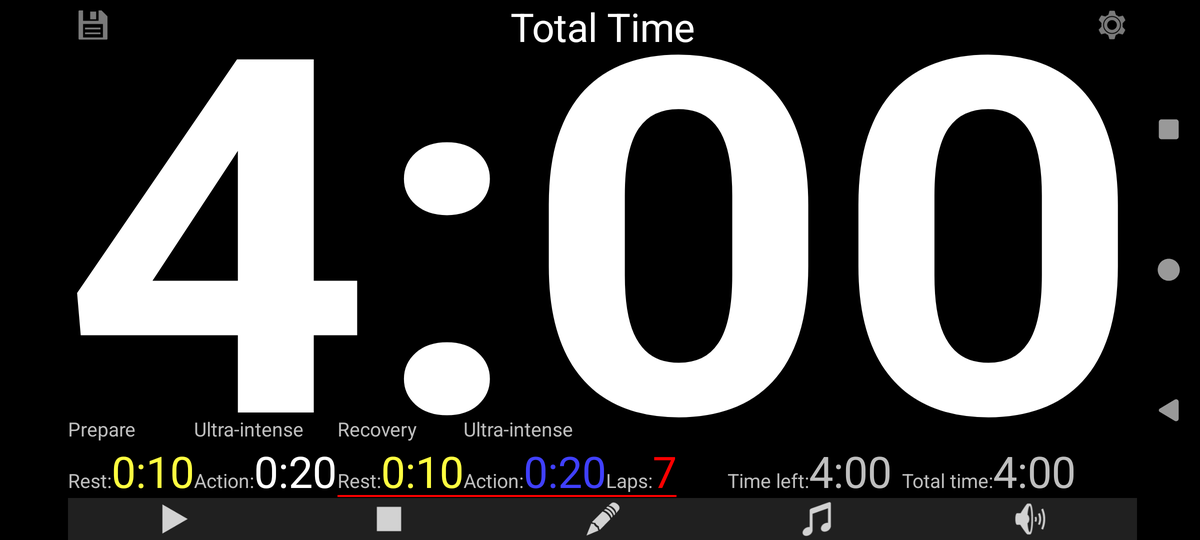
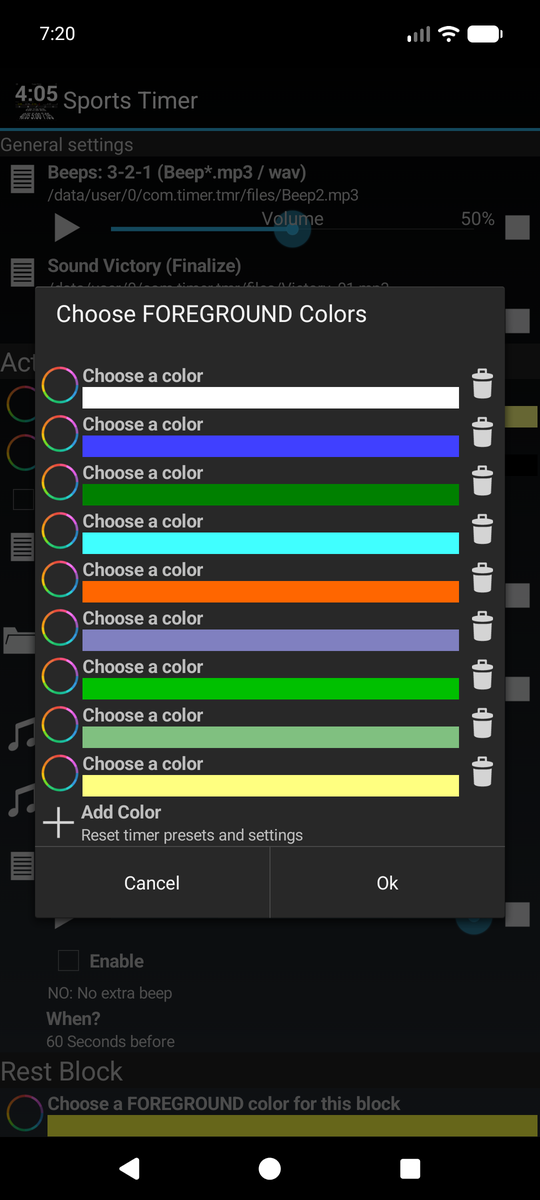
Colours are yours to change, and there is a setting to strip the screen down to just the timer and its information when you want nothing else in view.
Sound and music
- Beeps. A three-two-one countdown before a block ends, and a separate sound to finish a workout.
- Your own music. Choose a single track or a whole folder using the Android file picker. It can live on the phone, on an SD card or in a cloud drive.
- Shuffle, or in order. Play a folder from A to Z or shuffled.
- Per block if you need it. Music and beeps are set once in the general settings and used everywhere, but a single block can override them.
- Volume at startup. The app can set the volume when it opens, so a shared club tablet always starts loud enough.
Presets
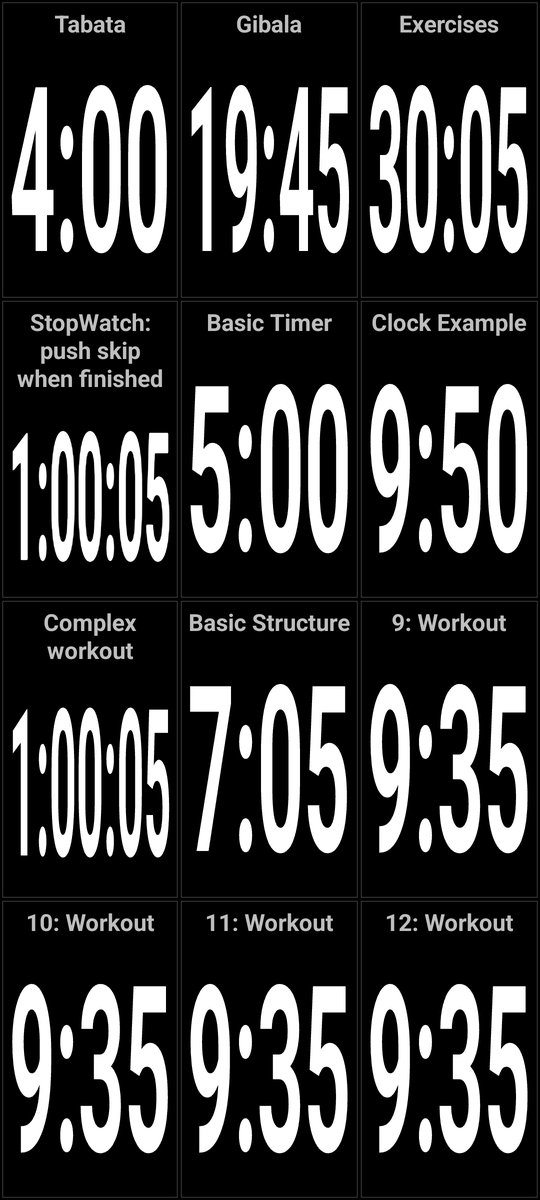
Save a workout under a name and a position, then swipe to the left on the main screen. The preset window slides in with twelve slots, each showing the name of the session and how long it takes, so you can pick by duration as well as by name. One tap loads it. The sessions you use every week are always a swipe away.
Scheduled start
Sports Timer can load a preset and start it by itself at a set time. You choose a name for the schedule, a start date, how many weeks it should run, which presets file and which preset to load, and which days and hours it should fire. The preset number can step forward automatically: never, every run, daily or weekly, so a programme can walk through a series of sessions on its own.
Backup, export and sharing
- Export presets and settings to a
.tmrfile. - Import a
.tmrfile, including one that arrives as an e-mail attachment: tapping it on an Android device loads it straight into the app. - Back up everything and restore it later.
- Reset presets, settings, or both, when you want a clean slate.
Settings worth knowing about
| Setting | What it is for |
|---|---|
| Master volume control | Set the volume when the app starts. |
| Brightness control | Set screen brightness when the app starts. |
| Graphical user interface | Colours, and an option to display only the timer and its information. |
| Music directory | The folder used by default for music. |
| Beeps 3-2-1 | Which sound counts the last seconds of a block. |
| Sound victory | The sound that marks the end of a workout. |
| Sound: different block | A separate sound when the type of block changes. |
| Keep settings on close | Your workout and settings are still there next time. This used to be a paid extra and is now included. |
What it does not do
No adverts. Nothing to buy. No account, no sign-in, no newsletter. The app has no internet permission at all, which means it cannot send anything anywhere even by accident, and it asks for no access to your storage, location, contacts, camera or microphone. See the privacy policy.